Five kits. Recorded character.
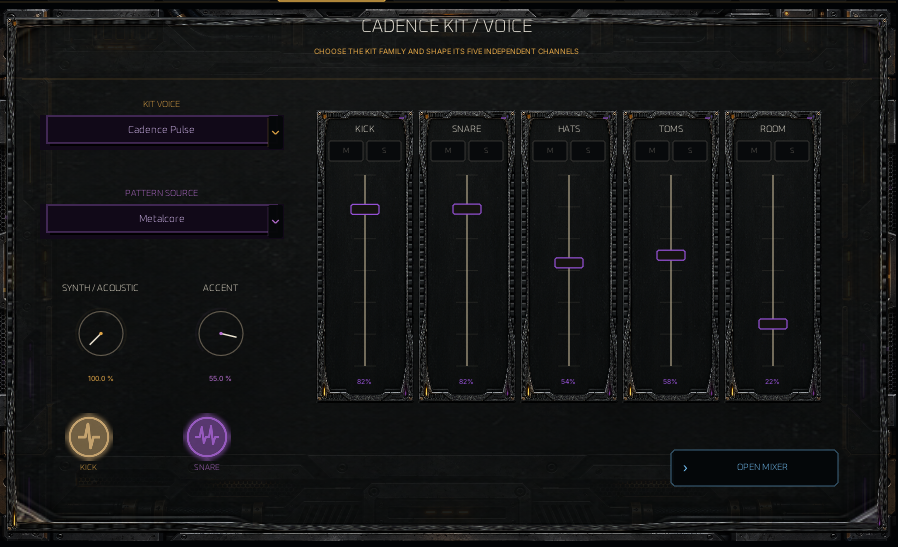
The recorded bank includes 386 selected recordings—about 246.5 MiB of PCM—from five distinct sample libraries. Move the source blend fully toward Recorded to hear the selected recorded kit, or blend it with the synthetic engine.
Samples are bundled with the standalone app and VST3. You do not need a DAW drum instrument or a separate sample download.
SIX LANES / SIXTEEN STEPS
Paint a groove. Break the routine.
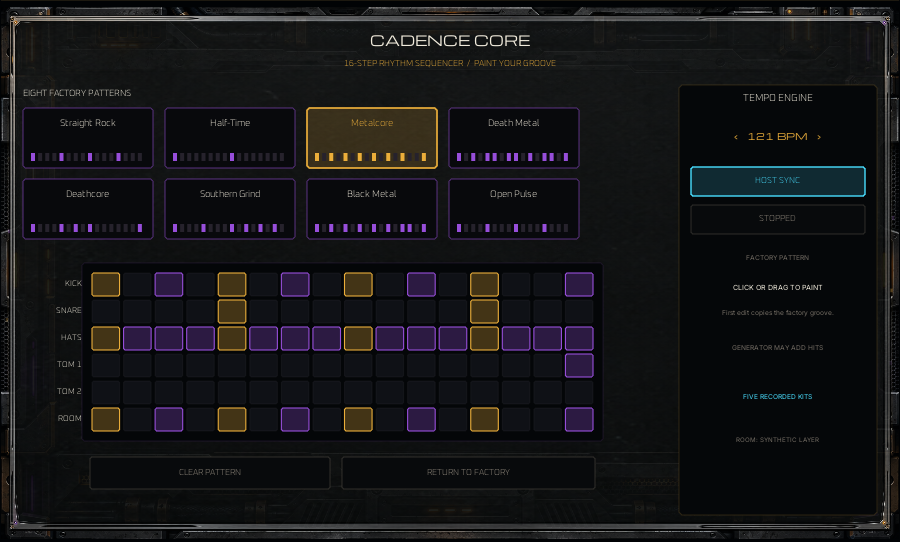
Choose one of eight factory patterns, then click or drag to paint hits. The first edit copies the factory groove into your working pattern. Clear it or return to the factory starting point.
- Straight Rock
- Half-Time
- Metalcore
- Death Metal
- Deathcore
- Southern Grind
- Black Metal
- Open Pulse
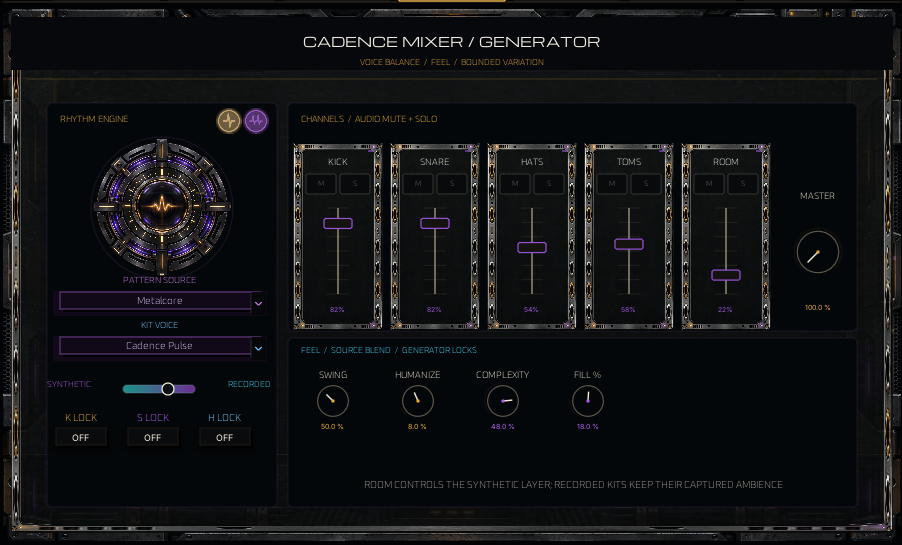
Set tempo or use host sync in a suitable host. Swing, humanize, complexity, fill and generator locks add variation without asking you to rewrite every hit.
FEEL IT / DON'T FIGHT IT
Put the drums where you need them.
Master level and individual channel levels let you balance Cadence against the instrument. Mute or solo channels, set accent and source blend, then adjust the groove's feel.
Start with the guitar or bass output low, bring Cadence forward, and check the combined level. The shared output mute still wins. More level should not mean clipping.
Recorded kits keep their captured ambience. Room controls shape the synthetic room layer rather than replacing a recorded kit's room sound.