
One FX page. Every stage has a home.
Drag to reorder the chain. Add, remove or bypass stages. Right-click a stage—or select it and choose Settings—to open that effect's controls.
Independent built-in copies have their own settings and state. Moving an effect changes its position, not its identity. Try two delays, separate EQ stages, or drive before and after another stage.
- Up to 24 chain stages per realm.
- Up to eight optional external VST3 instances per realm.
- Original built-in host automation is retained; copied-instance controls do not gain dedicated host automation lanes.
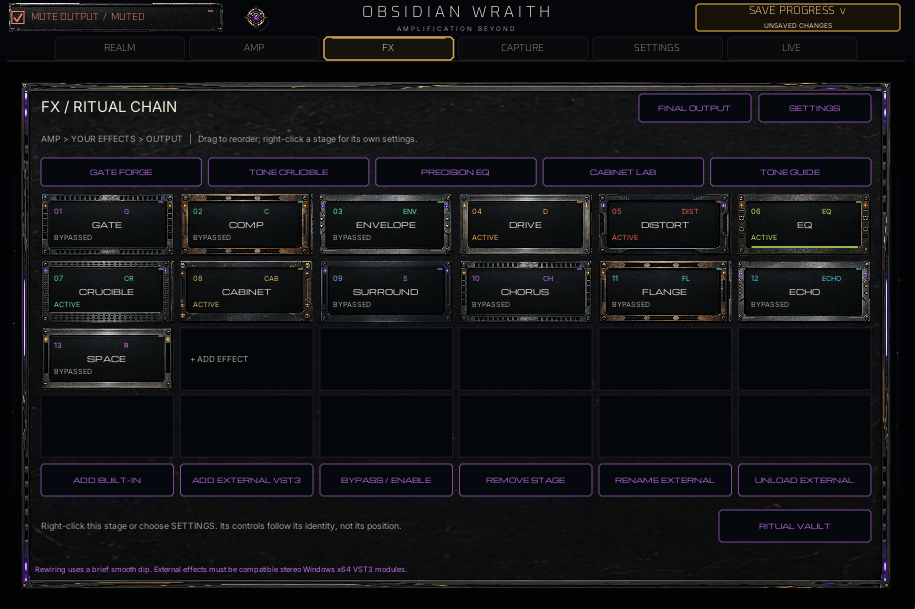
- Gate
- Compressor
- Envelope
- Drive
- Distortion
- Precision EQ
- Crucible
- Cabinet
- Surround
- Chorus
- Flange
- Echo
- Space
REALM PRECISION / MAIN 20
Carve less. Hear more.
Twenty parametric bands across 20 Hz–20 kHz, with frequency, gain, Q, shape and per-band on/off controls. The response view keeps the move visible while the analyzer shows what is happening.
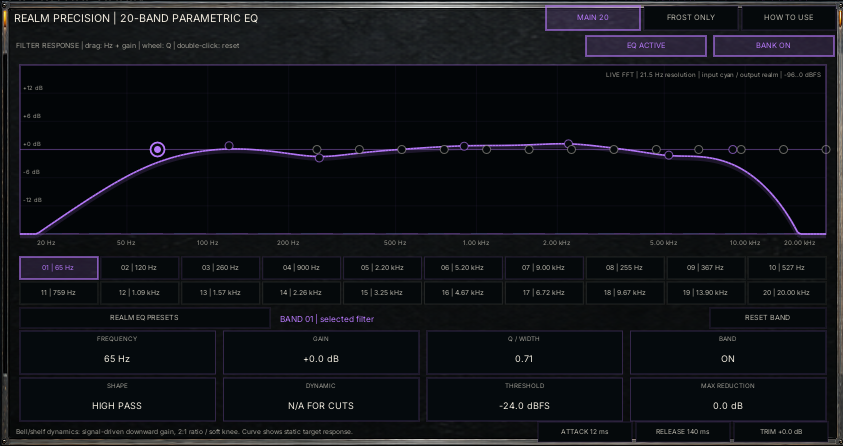
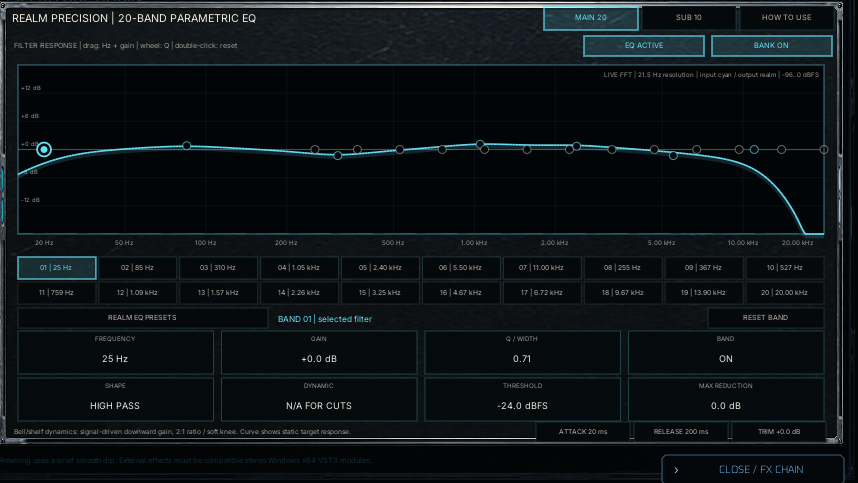
Dynamic cuts.
Use threshold and maximum reduction to tame a bell or shelf when the signal crosses its threshold. Attack and release shape the response. The drawn curve shows the static target, not every moment of dynamic reduction.
Twenty starting points.
Each realm has 20 MAIN presets. Loading a MAIN preset leaves SUB, trim and stage bypass unchanged. Start flat, choose a focused recipe, then adjust for your instrument.
A guide in the EQ.
The How to Use button opens directions inside the editor. Drag a node for frequency and gain, use the wheel for Q, and double-click to reset.
FROST ONLY / SUB 10
An infrasonic lab. Not a bass boost shortcut.
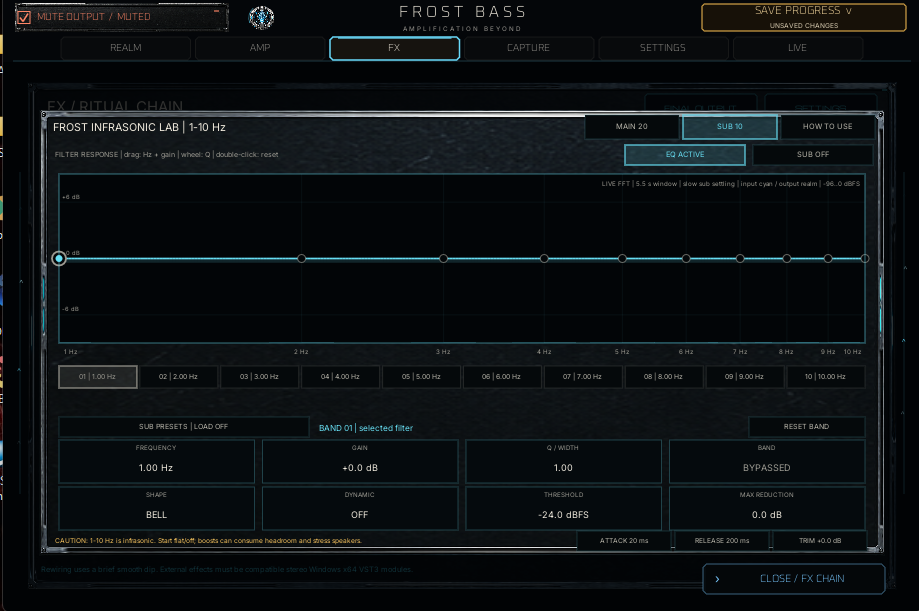
Frost's separate ten-band SUB bank covers 1–10 Hz and starts disabled. Four SUB recipes load with the bank off. Keep it flat or use careful cuts unless you have a specific, understood signal-processing reason.
These frequencies are below normal hearing. Boosts can consume headroom and stress speakers; the SUB bank does not make ordinary speakers reproduce infrasonic sound.
ATTACK / WEIGHT / SPACE
Start somewhere useful.
Tone Crucible.
Ten Crucible presets per realm give weight, excitement and cut controls a purposeful starting point.
Envelope.
Ten Envelope presets per realm shape attack and response. Loading a recipe changes that stage's controls, not another effect instance.
Surround placement.
Drag the central guitar or bass to change stereo position and depth, then set Mix. Ten presets offer starting placements. This is stereo-compatible processing—not discrete 5.1, 7.1 or Atmos.
EXTERNAL EFFECTS / OPTIONAL
Bring a favorite. Keep the requirements clear.
Host compatible Windows x64 stereo VST3 effects in the chain. An external stage takes its plugin name and can be renamed. Generic parameter controls and state recall are supported; a missing module is bypassed.