Explore
Use the main page to compare the Guitar and Frost Bass realms, hear the intent, and inspect the current build.
 OBSIDIAN WRAITHFIELD MANUAL · v2.4.10PROFILE
Start with the path you need. Each chapter is compact, practical, and built to get you from curiosity to a saved, repeatable tone.
Explore the workstation, learn the signal, and join the public Circle—even when the plugin is not open.
Use the main page to compare the Guitar and Frost Bass realms, hear the intent, and inspect the current build.
Search controls, workflows, installation help, tutorials, and published public community signals from anywhere.
Browse public Tone Cards, performances, reviews, ideas, and issues in the Wraith Circle.
Public posts can be discovered. Private Tone Cards, drafts, and account data remain outside search.
The main site, this manual, Tone Forge preview, and public Circle are open to browse. Sign in only when you want member actions such as posting replies or saving your profile.
ENTER THE WRAITH CIRCLEThe site supplies the map; the plugin is where the sound is shaped, tested, and saved.
The Windows x64 installer supplies a standalone app and VST3. No DAW is needed for the app. In a DAW, rescan plugins if Wraith does not appear. Read release requirements first.
Enter Obsidian Wraith for guitar or Frost Bass for low-end weight and definition. This sets the language of the entire rig.
Choose a Grimoire starting point, set Gain and EQ, then refine Bias, Sag, and Response for feel.
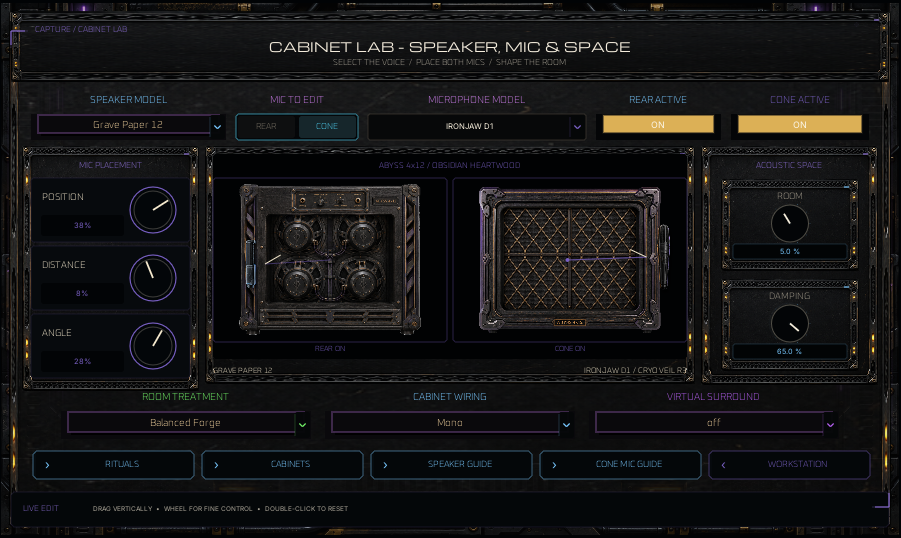
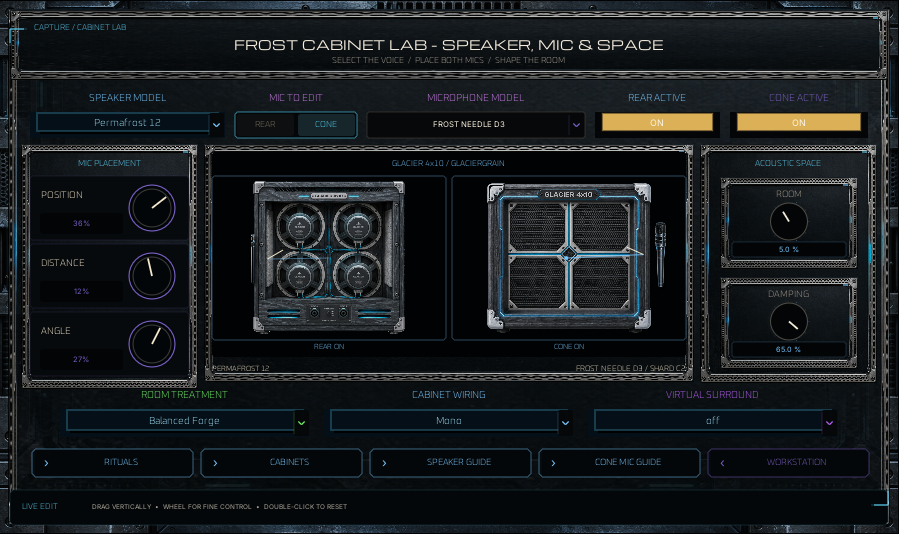
Use the Catacombs for cabinet structure, then load an original speaker and microphone. Refine position, distance, angle, room, treatment, and damping in Cabinet Detail.
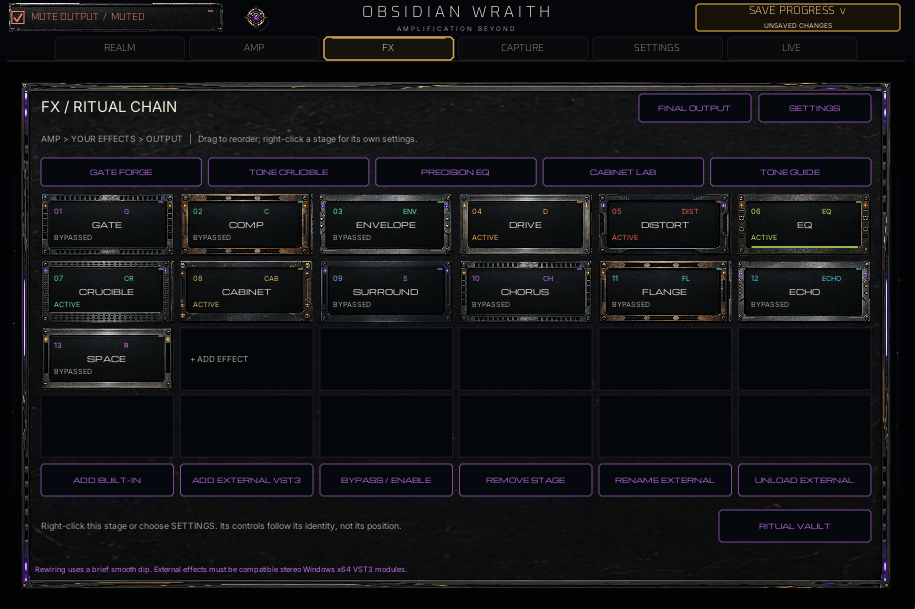
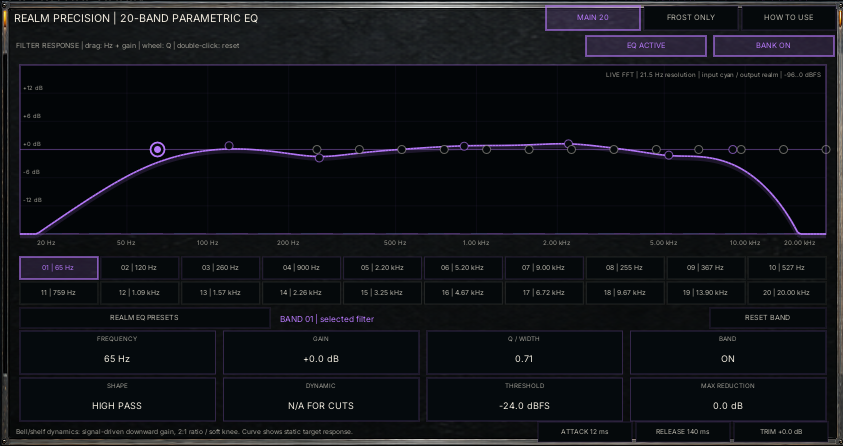
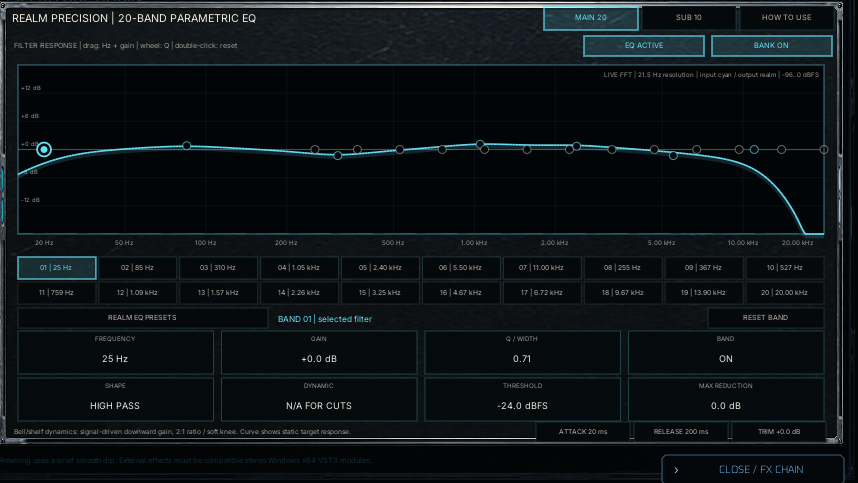
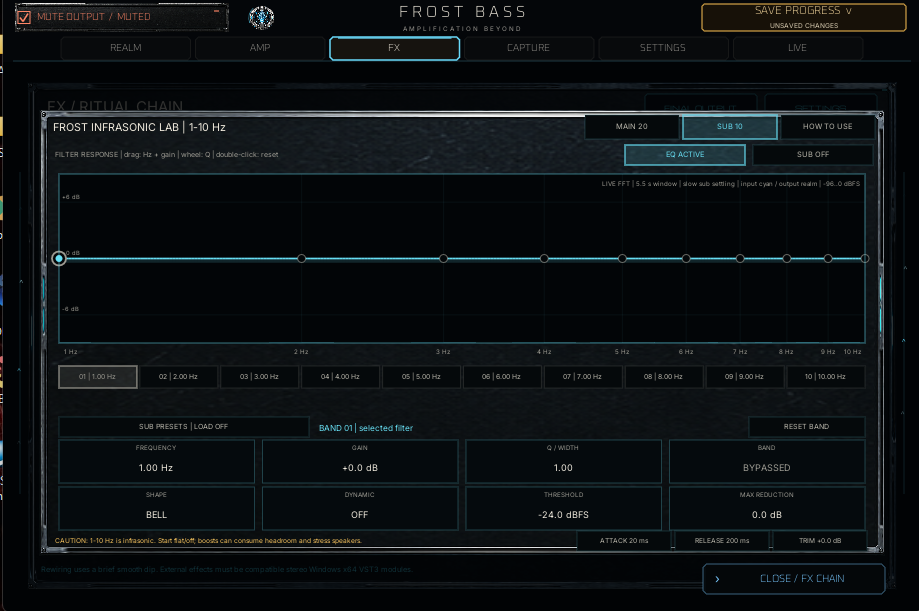
Use the FX / Ritual Chain to add and reorder independent effect instances. Right-click a stage for its own settings. Precision EQ replaces the legacy graphic EQ processor.
Set the tuner’s A-reference from 385–440 Hz, then play a sustained note. Recheck output after cabinet changes and save the complete tone in the Tone Card Vault. Ritual Vault holds recipe starting points, not your saved whole-tone slots.
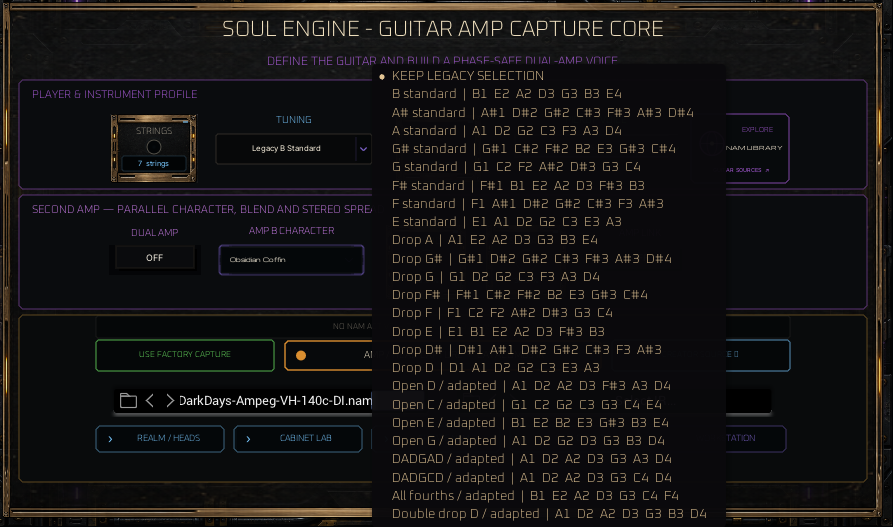
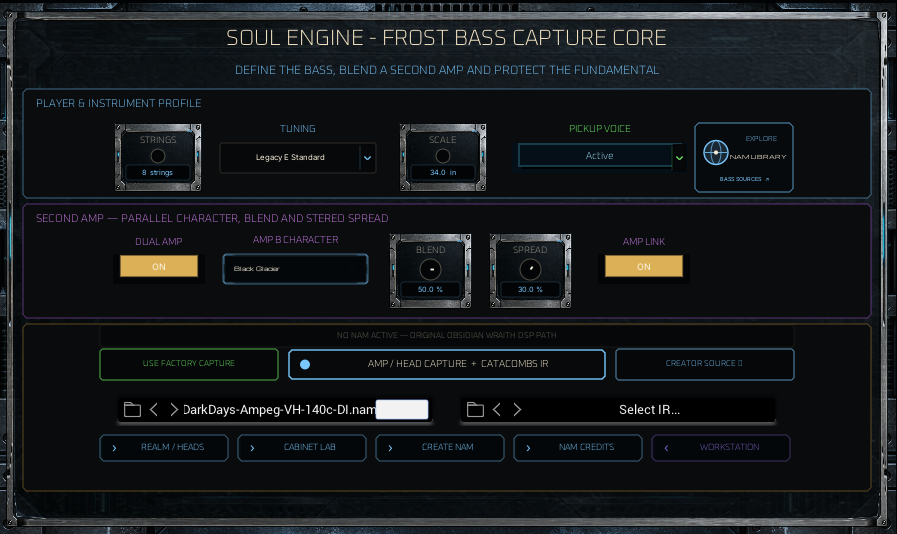
These are your supplied 2.4.10 captures, not website mockups. Open a reference group for the panel family; each realm retains its own tone state.
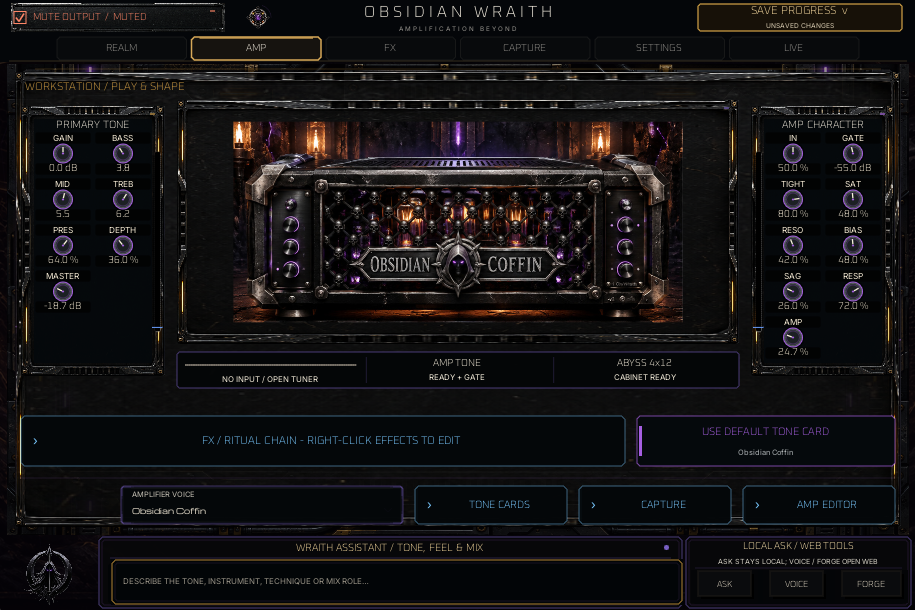
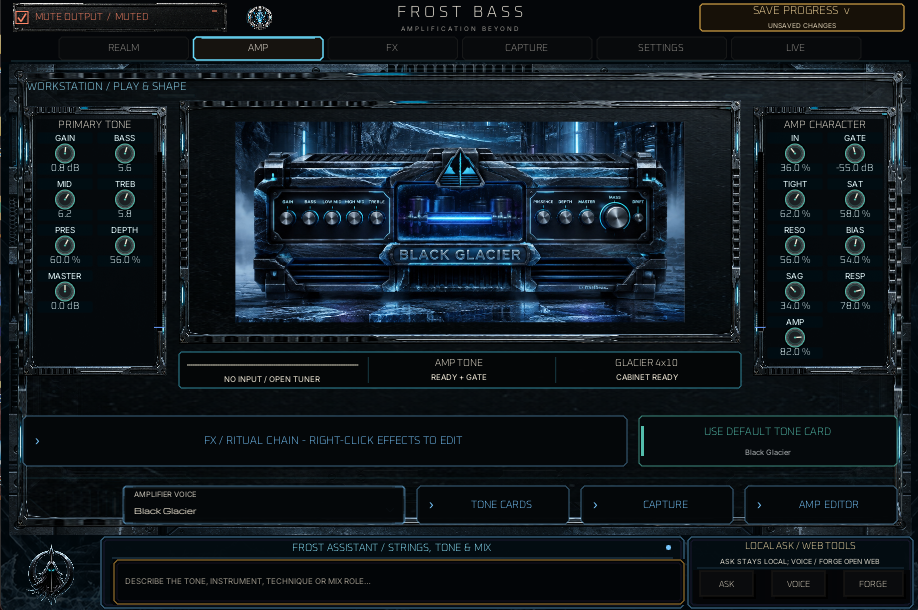
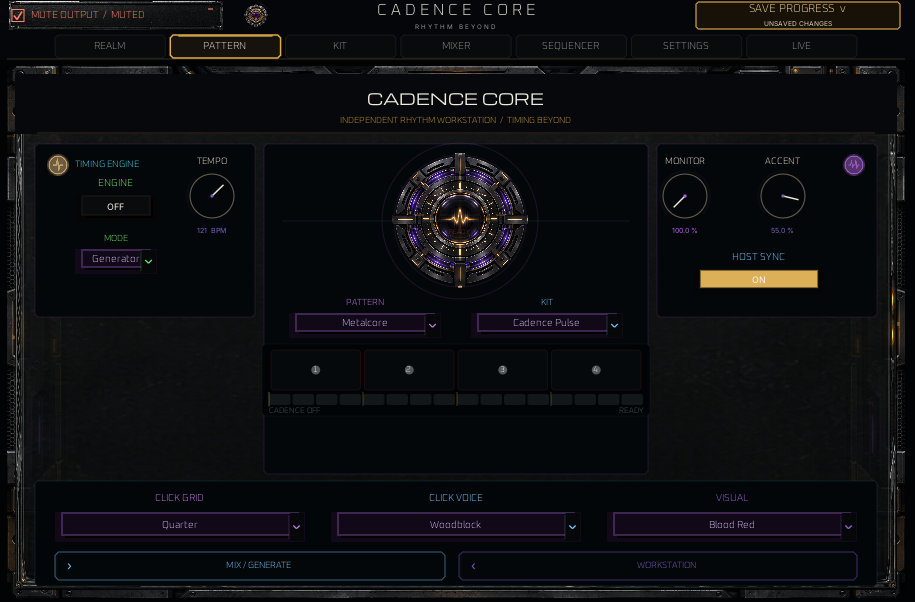
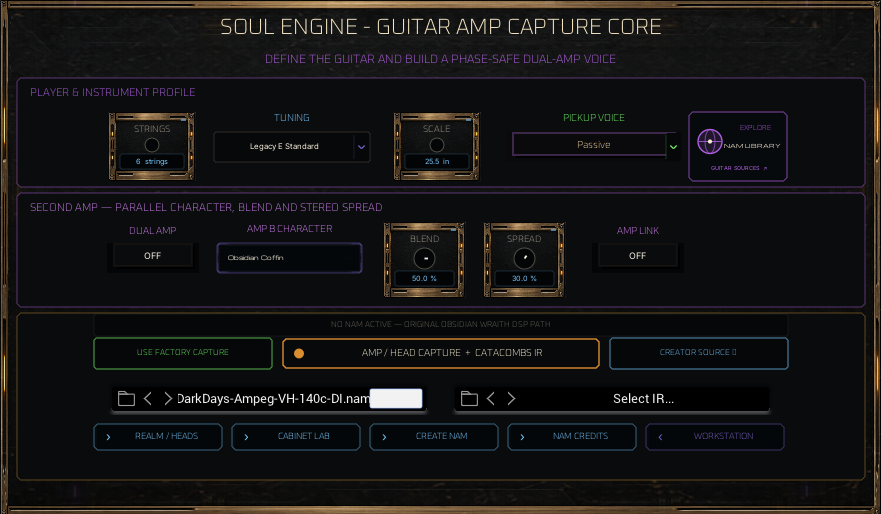
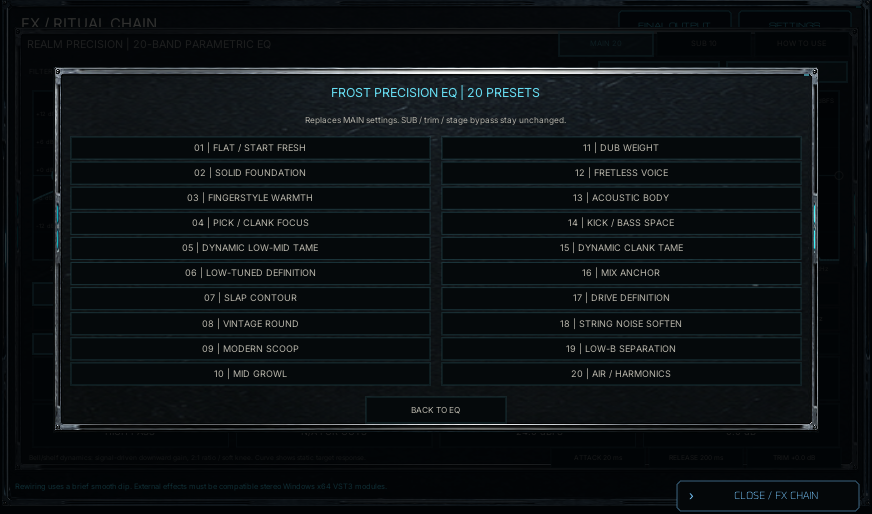
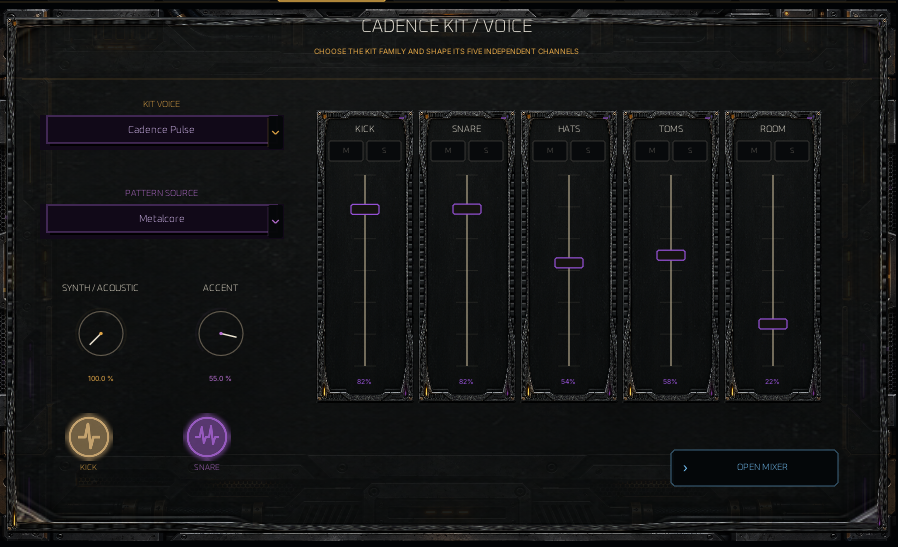
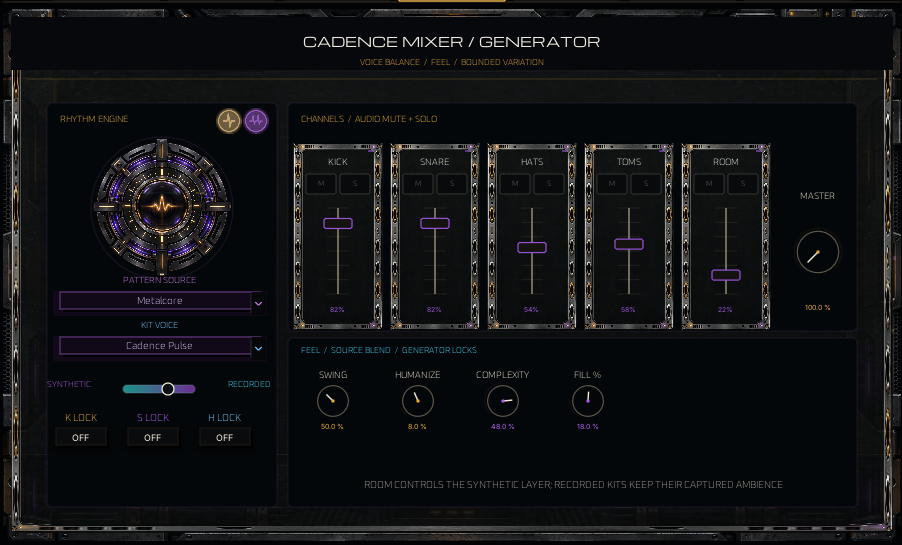
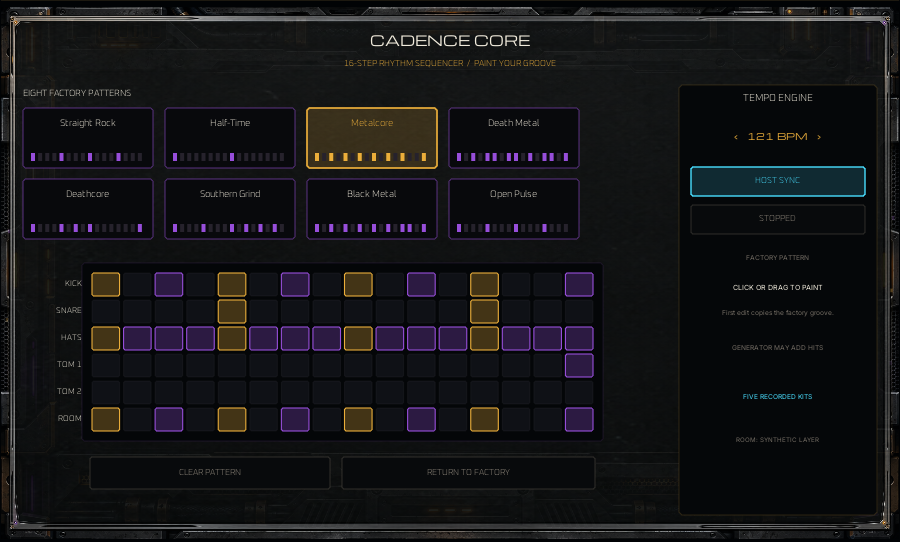
No plugin: confirm the VST3 location, then run a full rescan in the DAW.
No cabinet character: load a Catacombs voice when using an amp-only capture.
Muffled or phasey: confirm a Full Stack capture is not passing through a second cabinet.
Tuner drops out: play one clean, sustained note and reduce competing strings or effects.
Need a broader amp image: open Soul Engine, set the instrument details, then enable Dual Amp and balance Blend, Spread, and Link.
Bass loses its foundation: open Frost Matrix, enable Frost Split, and balance the clean Foundation against the processed Grind around the crossover.
Sigil is too expressive: disable Sigil Expressions in Settings without disabling the tuner or audio chain.
The best result comes from describing the player, the rig, the target, and the problem—not merely naming a genre.
“Seven-string guitar in Drop A with active pickups. I need a tight rhythm tone with dense mids and clear pick attack. My current sound is fizzy above the mix and loses weight when palm-muted. Keep the final output level unchanged.”
Describe a target or adjustment. Treat the returned recipe as a starting point for your hands, pickups, tuning, and rig.
Tone Forge organizes the details, then hands a complete request to the Assistant so fewer essentials are missed.
Begin quietly. Ask the Assistant to preserve Master, Amp Volume, and final Output unless a level change is intentional.